GPS and Geofence Attendance for Field Staff
How geofence attendance works for field staff, what radius to set, how to handle fake GPS, and what the DPDP Act means for tracking location.

Short answer: GPS and geofence attendance lets field staff check in from their phones, records where they were at check-in, and can block or flag check-ins made outside a set radius around an office, site or client location. A radius of 100 to 150 metres works in most cities; use a larger one where GPS is weak. It is a simpler and more privacy-friendly option than continuous live tracking, because location is captured only at check-in and check-out. Before you roll it out, tell staff in writing what is collected and why.
This guide explains how geofence attendance works, how to set the radius, how to handle fake GPS, and what India's data protection law means for tracking field staff.
Who needs a field staff attendance app?
- Sales and service teams who start the day at a client site, not the office.
- Security guards, housekeeping and facility staff posted at different sites.
- Construction, installation and maintenance crews.
- Delivery and collection staff.
- Retail chains and branches where staff report to one of several stores.
For all of these, a biometric machine at head office doesn't work, and attendance on WhatsApp ("reached site, sir") is hard to verify and impossible to total at month end.
How geofence attendance works
- Admin adds sites: each office, store or client location gets a pin on the map and a radius, for example 150 metres. This creates a virtual circle, the geofence.
- Employee checks in from the phone. The app reads the phone's location using GPS, Wi-Fi and mobile network data.
- The app compares the location with the sites. If the person is inside a geofence, the check-in is accepted. If not, it is either blocked or accepted and flagged for review, depending on your setting.
- The same happens at check-out, and hours worked are calculated from the two times.
Many apps let you choose how strict to be. Flagging is a good starting point, so you can see how often people are outside the radius before you start blocking check-ins.
GPS tracking vs geofence check-in
| Geofence check-in | Continuous GPS tracking | |
|---|---|---|
| What is recorded | Location at check-in and check-out only | Location every few minutes through the day |
| Answers the question | Did they start and end at the right place? | Where were they all day? |
| Battery use | Low | Higher |
| Privacy risk | Lower | Higher; needs stronger justification |
| Best for | Staff posted at fixed sites, office and branch teams | Delivery routes, fleet and roles where route matters |
How to set the geofence radius
Phone location is never exact, so the radius has to allow for error:
- Under open sky, smartphone GPS is typically accurate to about 4.9 metres, but accuracy gets worse near buildings, bridges and trees (GPS.gov).
- Indoors, location usually comes from Wi-Fi, which Google's Android documentation puts at 20 to 50 metres.
- Where there is no Wi-Fi, such as rural areas, the error can be several hundred metres or more.
- Android's guidance recommends a minimum radius of 100 to 150 metres for reliable geofences (Android Developers).
| Location type | Suggested starting radius |
|---|---|
| Office or store in a city | 100 to 150 m |
| Large campus, factory or construction site | 200 to 500 m, depending on the site's size |
| Rural site or poor signal | 500 m or more |
Start with flagging, review the distances of flagged check-ins for two weeks, then tighten or widen the radius.
Fake GPS and how to reduce it
On Android, a user can turn on a "mock location" setting in developer options and run a fake GPS app, which makes every app on the phone see a false location. Some ways to reduce misuse:
- Review flagged check-ins rather than only trusting the green tick.
- Look for patterns: identical coordinates every day, or check-ins at a client site with no matching work done.
- Add a second check where it matters, such as a biometric device at a large site or a supervisor's confirmation.
- Write it into policy that faking location is a disciplinary matter.
No phone-based system is tamper-proof, so match the level of checking to the risk.
Location tracking and the DPDP Act
India's Digital Personal Data Protection Act, 2023 applies to employee location data. Its rules were notified on 13 November 2025, and most obligations, including notice and consent, take effect in May 2027. Check for any change to this timeline before you rely on it.
- Employment purposes: Section 7(i) allows personal data to be processed without consent for employment purposes, but law firms advise that this isn't a blanket licence for unrestricted surveillance (King Stubb & Kasiva).
- Proportionality: location tracking is easier to justify for field, delivery and fleet roles, and when it is limited to working hours and business purposes.
- Personal phones: location on an employee's own phone is more sensitive, so use a dedicated work app that only reads location when needed.
- A clear policy: tell staff what is collected, why, who can see it and how long it is kept.
Capturing location only at check-in and check-out, rather than all day, is the lower-risk default.
Sample field attendance policy clause
Field employees mark attendance through the company attendance app. The app records the employee's location only at check-in and check-out, to confirm attendance at the assigned work site. Location is not tracked at any other time. Location records are visible to the employee's manager and HR, are used only for attendance and payroll, and are kept for 6 months. Using any app or setting to falsify location is a disciplinary offence.
This is a starting point, not legal advice. Our leave policy template shows how to lay out a full HR policy.
Checklist: choosing a field staff attendance app
- Can you add many sites, each with its own radius?
- Can you choose between flagging and blocking check-ins outside the radius?
- Does it record location only at check-in and check-out, or track continuously? Which do you need?
- Can staff apply for on-duty days when they work away from any site?
- Does attendance flow into leave and payroll without re-typing?
- Does it work on low-end Android phones, and what does it cost per user?
Our employee attendance app guide has a longer checklist.
Geofence attendance in Aajar
Aajar includes geofencing on the Growth plan (₹35 per user per month). You add any number of named sites, each with its own radius, and choose one of three modes: off, flag (the check-in is accepted and marked inside or outside, with the distance to the nearest site) or block (check-ins outside every site, or without a location, are refused). Aajar checks location only when employees check in and out; it doesn't track people through the day. Staff working away from any site can apply for on-duty days, and admin corrections aren't blocked by the geofence. Every plan is free for the first 3 months for teams of up to 50 users. See pricing.
Frequently asked questions
What is geofence attendance?
A way of marking attendance from a phone where the app checks that the employee is within a set distance of an approved location, and accepts, flags or blocks the check-in accordingly.
What radius should I use for a geofence?
Start at 100 to 150 metres for a city office or store, larger for big sites or rural areas, and adjust after reviewing two weeks of check-ins.
Is it legal to track employees' location in India?
Tracking for legitimate work purposes, such as confirming attendance at a site, is generally permitted, but it should be proportionate, limited to working time and explained in a written policy. The DPDP Act applies to this data. Take legal advice for continuous tracking.
Can employees fake GPS attendance?
Yes, with mock location apps on Android. Flagging, reviewing patterns and adding a second check at high-risk sites reduce the risk.
Does geofence attendance drain the battery?
Check-in-only geofencing uses very little battery, because location is read only when the employee checks in or out. Continuous tracking uses more.
Keep reading
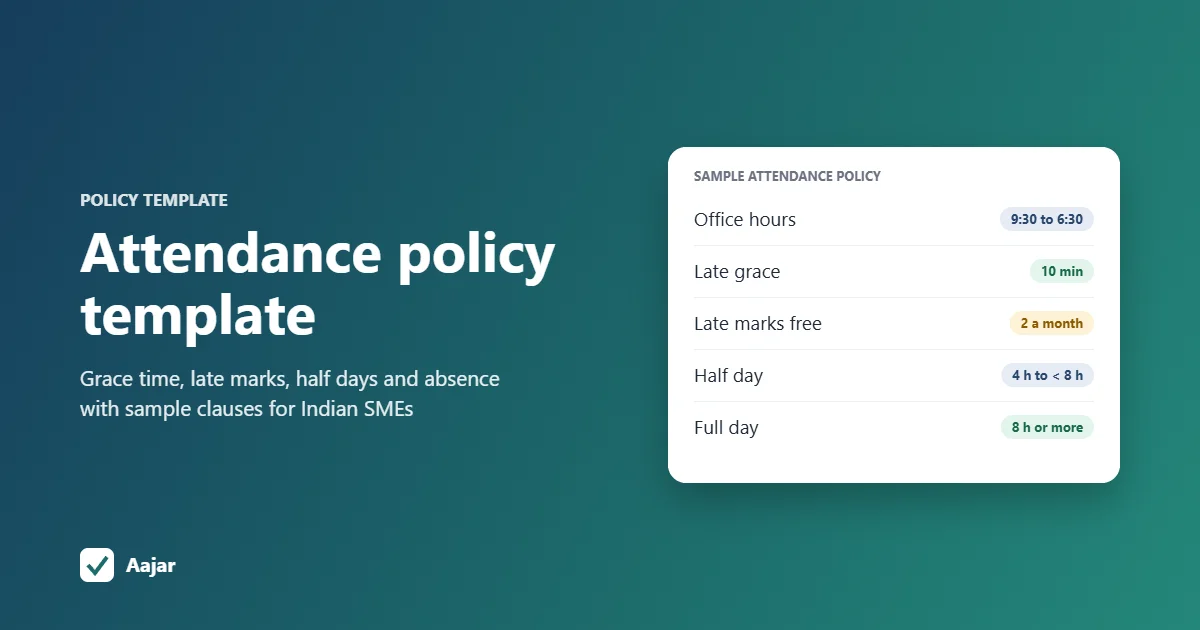
Attendance Policy Template with Late Coming Rules
A ready attendance policy template for Indian SMEs, with sample clauses for working hours, grace time, late marks, half days and absence.
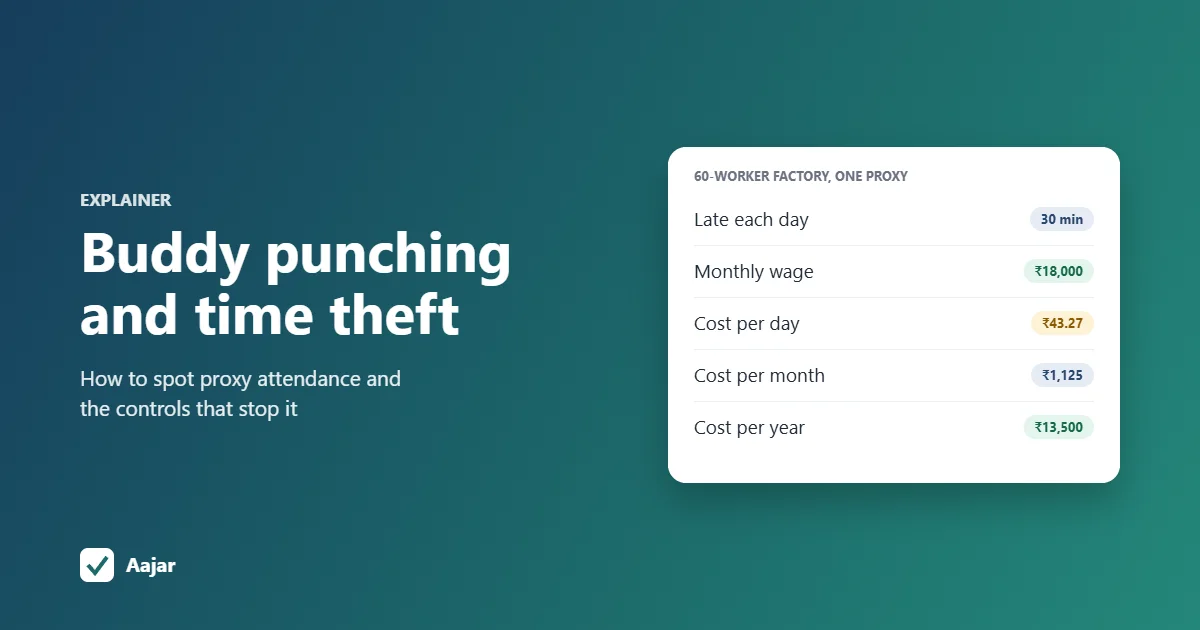
Buddy Punching and Time Theft: How to Spot and Stop Them
How proxy attendance and time theft happen, the data patterns that reveal them, what they cost a 60-worker factory, and controls that work.

On Duty (OD): Meaning, Policy and How to Track It
What OD means in attendance, how it differs from leave and WFH, how to approve it, a sample policy and tour diary, and why OD days are paid.